Seller Photos vs Warehouse QC: Read the Right Evidence
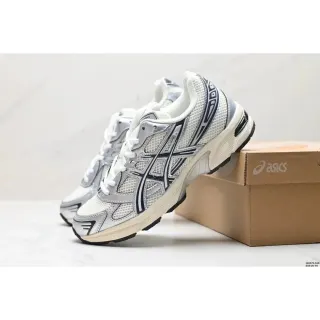
Two images can look equally convincing while answering different questions. Before relying on a photo, identify who supplied it and which listing, variant or order it belongs to.
Seller images describe a listing, public QC may describe another order, and your own warehouse photos document the piece received for your order. Match the context before relying on an image.
What you will learn
- Identify who supplied the image and which option it shows.
- A public photo count is not a hosted inspection report.
- Ask for the missing view that could change your decision.
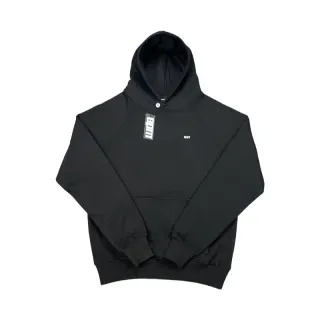
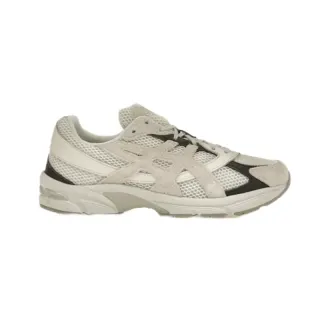
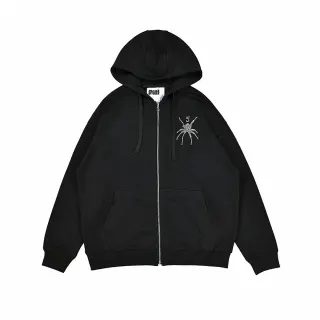
Seller images identify a listing
A seller photo helps you recognise the product being advertised. Use it with the title and selected option to open the same listing in the full catalog. Check whether the image shows one item, a colour range or an entire set.
These photographs do not show that a particular order has arrived at a warehouse. A sharp image also cannot verify material composition, authenticity or durability. Keep those questions separate from the visual comparison.
A recorded QC count is a pointer
Some product records include a public QC photo count. That count is catalog information, rather than evidence that this guide hosts or has inspected those photographs. Our product thumbnails are seller images.
If public QC images are available on a live product page, check the date, chosen option and order context. Another buyer’s photograph may show a different size, colour or production run. It can help frame a question without guaranteeing what your order will contain.
Your order’s photos answer the next question
After the buying service receives your item, compare the order reference, colour, size and visible details with what you selected. Ask for a specific view or measurement when an important area is hidden.
For footwear, compare the pair and labels. For clothing, use garment measurements you can compare with an item you own. For bags, inspect closures and strap attachments and request relevant compartment dimensions. Confirm any inspection charge before requesting extra work.
Resolve a question before approving delivery
Write down exactly what is unclear and ask the service handling your order. A question such as “please measure the flat chest width” is more useful than a general request for a quality opinion.
If the item or option is wrong, check the current return or exchange process while it is still available. Save the order reference and the relevant reply so you can explain the issue to the service handling it.
Match the evidence to the question
A photograph can be useful without answering every question. Keep the context visible in your notes.
| Image type | Useful for | Does not establish |
|---|---|---|
| Seller image | Recognising the advertised listing | Receipt of your selected order |
| Public QC from another order | Framing a question about visible details | What your own order will contain |
| Your order’s warehouse photo | Comparing the received item and requested measurements | Comfort, authenticity or long-term performance |
| Generated try-on | An illustrated outfit idea | A real fit test or warehouse inspection |
Check fit and photo evidence
Work through measurements and specific photo requests, then apply the detailed sizing and QC checklists.