



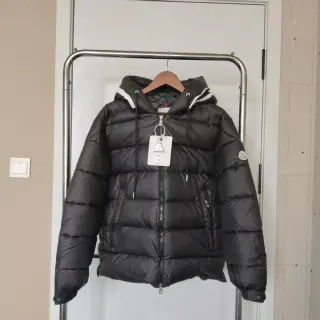
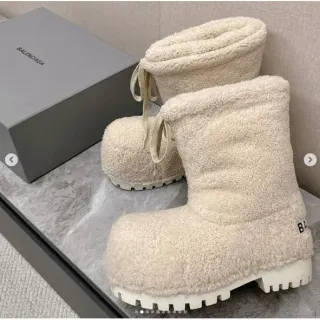
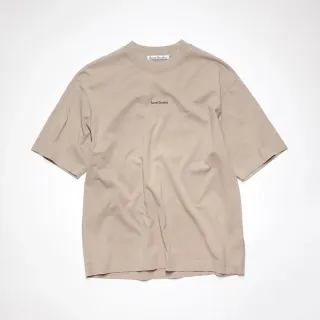
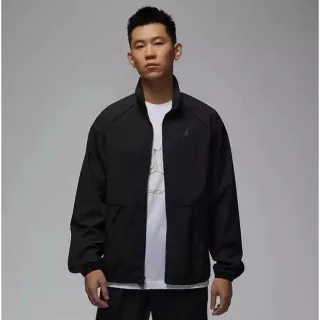
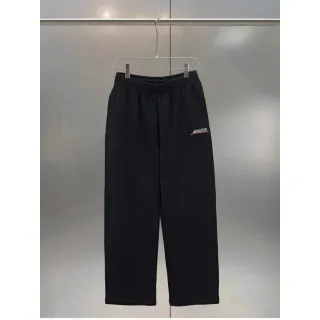

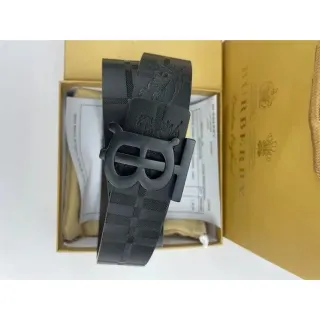
KAKO Halloween Fest 2026 is here!

Buy Chinese products, ship worldwide

Browse the KakoBuy spreadsheet, compare prices, and explore finds by category.

Independent product discovery guide. Product links and searches open an external catalog in a new tab.

  1. Order

    Choose products and order

    Tutorial
  2. Submit parcel

    Confirm your parcel

    Tutorial
  3. Receive

    Sign for your parcel

    Tutorial
↗ Exact product links◫ Organized by category¥ Clear reference prices◎ Free to browse

KakoBuy Spreadsheet 2026

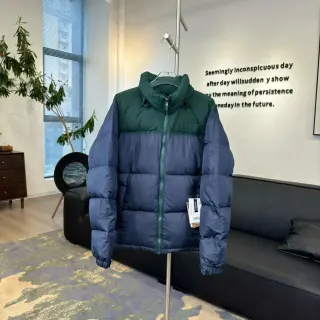
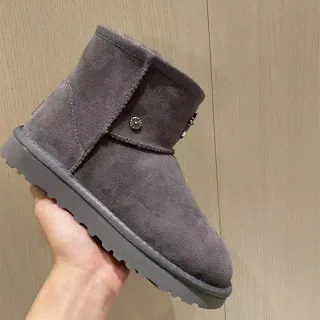
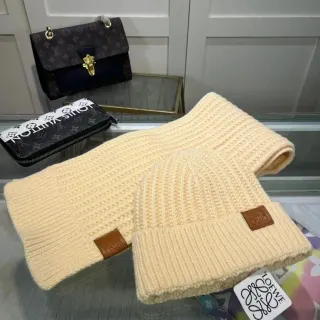
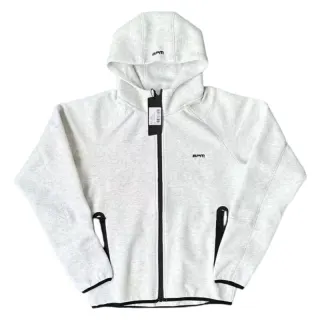
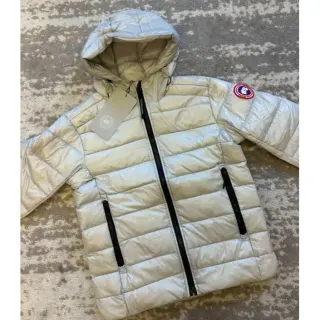
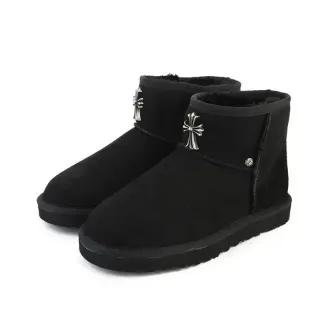
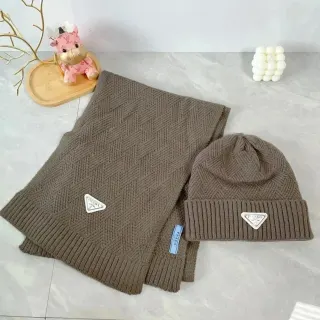
Explore 1,387 selected product finds with seller photos, reference prices and exact product links — free to browse, no signup. Explore puffer jackets, winter boots and scarves for the colder months. How this site makes money · How to use the spreadsheet

Autumn & winter KakoBuy finds

12 seasonal picks from 1,387 selected product links

Open full sheet
Item price (USD)
Quick budget

Filters the 12 seasonal picks below. The full recorded price range must fit your budget. Shipping and fees are extra.

Swipe across to see all columns.

Catalog snapshot: 19 Oct 2026. Selected for seasonal variety, not a sales ranking. Seller images are not warehouse QC photos. USD estimates exclude shipping and fees; confirm current prices on the exact listing.

Browse by category

Find your next pick in a focused Kakobuy spreadsheet collection.

NEW TO THE SPREADSHEET?

From a good find
to your shortlist.

Read the buying guide ↗
  1. 01

    Find your thing.

    Choose a category or search the full product catalog.

  2. 02

    Get into the details.

    Open the exact product. Compare the price, options and available photos.

  3. 03

    Check before you order.

    Confirm the seller link, agent availability, size and full cost before paying.

BUILD YOUR WINTER SHORTLIST

Outer layers. Winter boots. Smaller essentials.

Compare puffer jackets, boots, scarves and beanies from the catalog snapshot, with sizing checks and a complete parcel budget.

Explore winter finds →
MORE WAYS TO FIND YOUR NEXT PICK

Shop your budget. Plan your parcel.

All selected finds ↗
FIND. COMPARE. CHECK THE DETAILS.

A Kakobuy spreadsheet built around your next find

A useful spreadsheet gives you a starting point for comparing products, not just a long list of links. This directory groups product catalog picks by what you want to buy, with reference prices, seller photos and routes to the same product detail.

Choose a product category before comparing prices

Start with the item you need. The Kakobuy shoes spreadsheet focuses on sneakers, while hoodies and sweatshirts and T-shirt finds have their own collections. A category keeps your shortlist relevant: a low price means little if the size, cut or exact variant is wrong.

Planning a complete outfit? Compare pants and shorts with matching sets and tracksuits. Add jackets and outerwear for layering, then check bags and backpacks or accessories for the details that finish the look.

Read a spreadsheet find as a product record

Use the photo and title to identify the listing, then compare its reference price and available details. USD figures are estimates using the catalog exchange rate of ¥7.2 to $1. They do not include the whole cost of buying and delivering a parcel.

A seller image is different from a warehouse QC photo. If a QC count appears on a card, check the exact listing and variant before relying on those photos. The warehouse QC checklist explains what to inspect on your own order.

Continue with the same item in the full catalog

Product cards open the matching English product detail page. From there, review the source and available buying routes. If you want to use Kakobuy, confirm that the agent accepts that listing before placing an order. This directory does not take payment or manage a warehouse.

The search box searches the full product catalog; collection filters search the selected finds across all pages and can narrow the full recorded price range. Follow the step-by-step spreadsheet guide if you are choosing between the two, and compare the full parcel cost before shipping.

BEFORE YOU CHOOSE

Kakobuy spreadsheet FAQ

Answers to help you compare the listing, choose an option and plan your next step.

How to use the Kakobuy spreadsheet ↗Browse all spreadsheet categories ↗
What is a Kakobuy spreadsheet?

It is an organized collection of product links used to discover items before ordering through a buying agent. This version presents product records as category pages with photos and reference prices. Start with shoes, hoodies or another category, then open the exact product for more information.

Is this Kakobuy spreadsheet free to browse?

Yes. You can browse the directory and use its category filters without paying or creating an account here. Purchasing an item, requesting optional services and shipping a parcel can involve separate charges at your chosen buying service.

Is there a Google Sheets version?

This site is a web directory, not a downloadable Google Sheet. Product cards and categories help you compare finds on a phone or desktop. If you keep your own sheet, save the exact listing URL, selected variant and price-check date rather than only a screenshot. See how to record a product selection.

What should the best Kakobuy spreadsheet help me compare?

Look for identifiable product links, clear category organization, understandable reference prices and an explanation of photo sources. Check whether the listing matches your measurements and whether your agent can buy it. A large item count or a “verified” label alone does not establish product quality.

Are the product links checked in real time?

No. The page shows a catalog snapshot with its actual sync date. A link, price or available variant can change after that snapshot. Open the product in the full catalog to check the current details; if it has disappeared, compare alternatives in the shoe collection or the relevant category rather than assuming a similar photo is the same item.

Does the spreadsheet include QC photos?

Some records may list a QC photo count, but not every product has one. The images on these cards are seller product photos. Public QC photos and the photographs of your own order serve different purposes; read how to review QC before shipping before approving an order.

Why do product links open an external catalog?

Kako Finds is a product discovery guide with promotional links to an external catalog. Each link opens the same product or matching collection so you can check the source and available buying routes. To order through Kakobuy, first check compatibility with the exact source listing. There is no guarantee every catalog item is available through that agent.

Does the displayed price include delivery?

No. The catalog estimate is a product reference price. Domestic delivery, international shipping, agent or payment charges and applicable import charges may be additional. Use your selected service’s current quote and the full-cost checklist before deciding what to ship.

YOUR NEXT FIND IS OUT THERE

Go on. Have a look.

Explore the catalog
MAKE THE NEXT COMPARISON COUNT

Related spreadsheet articles

Explore the Blog →